First pass on planet shaders
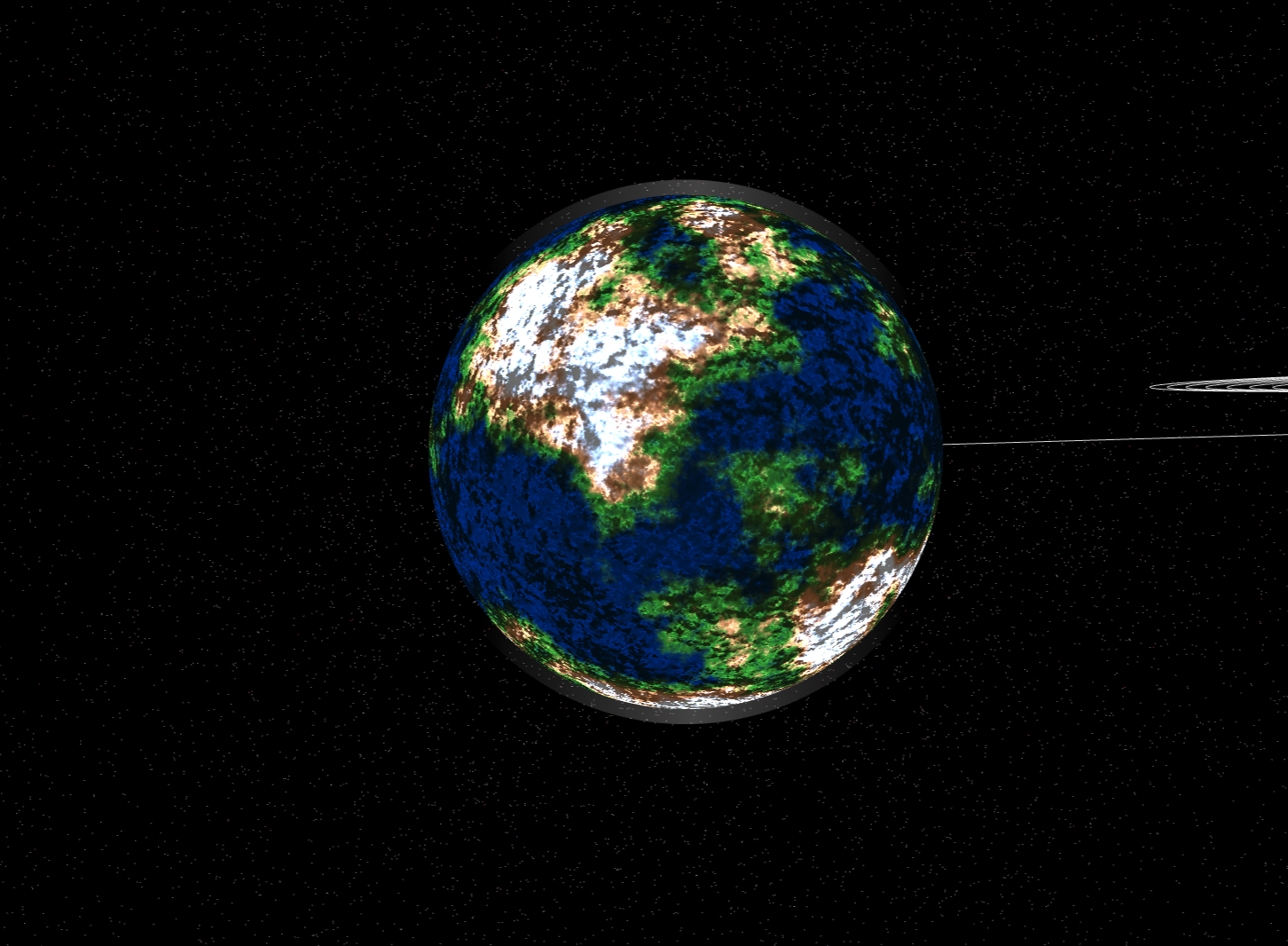
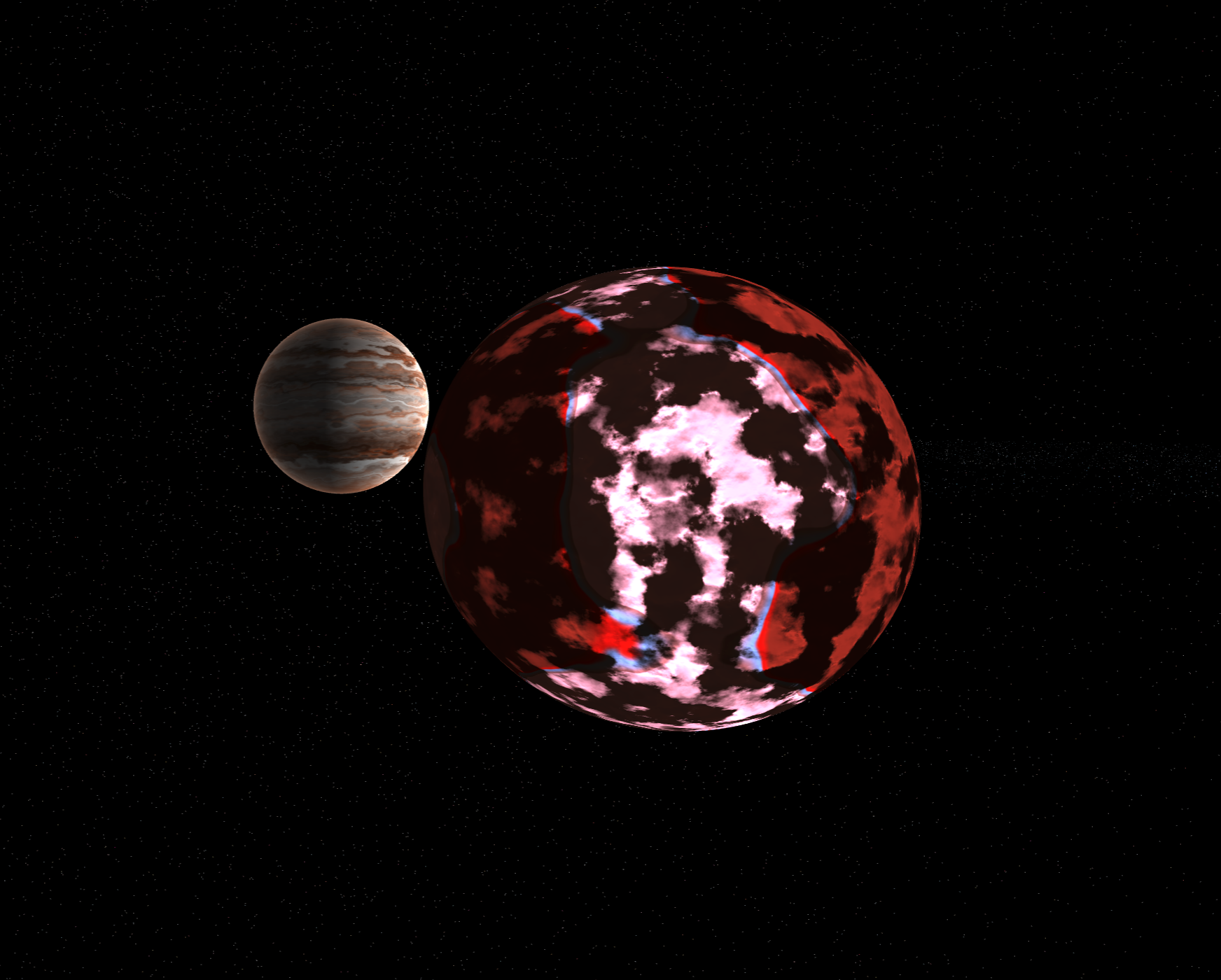
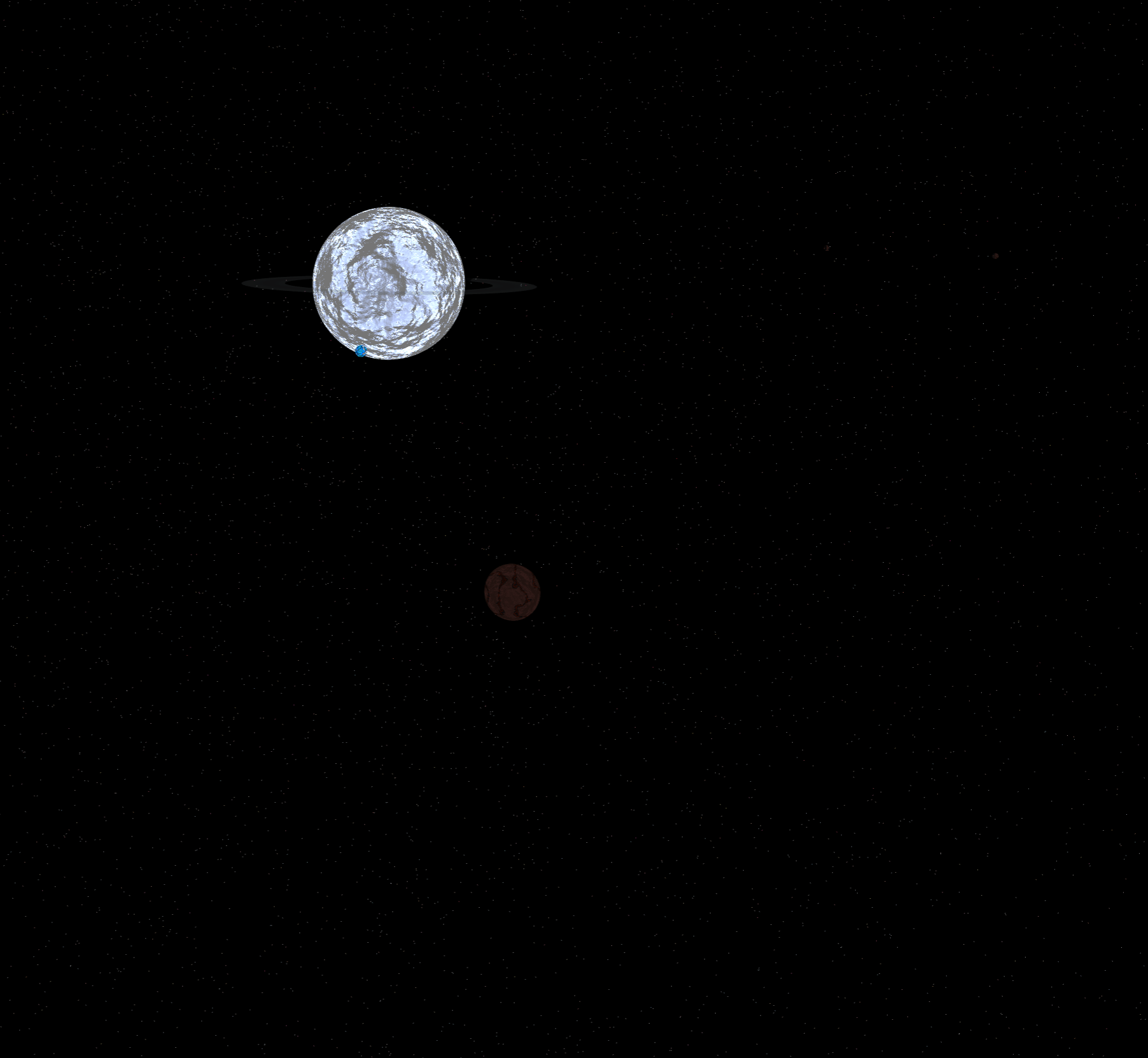
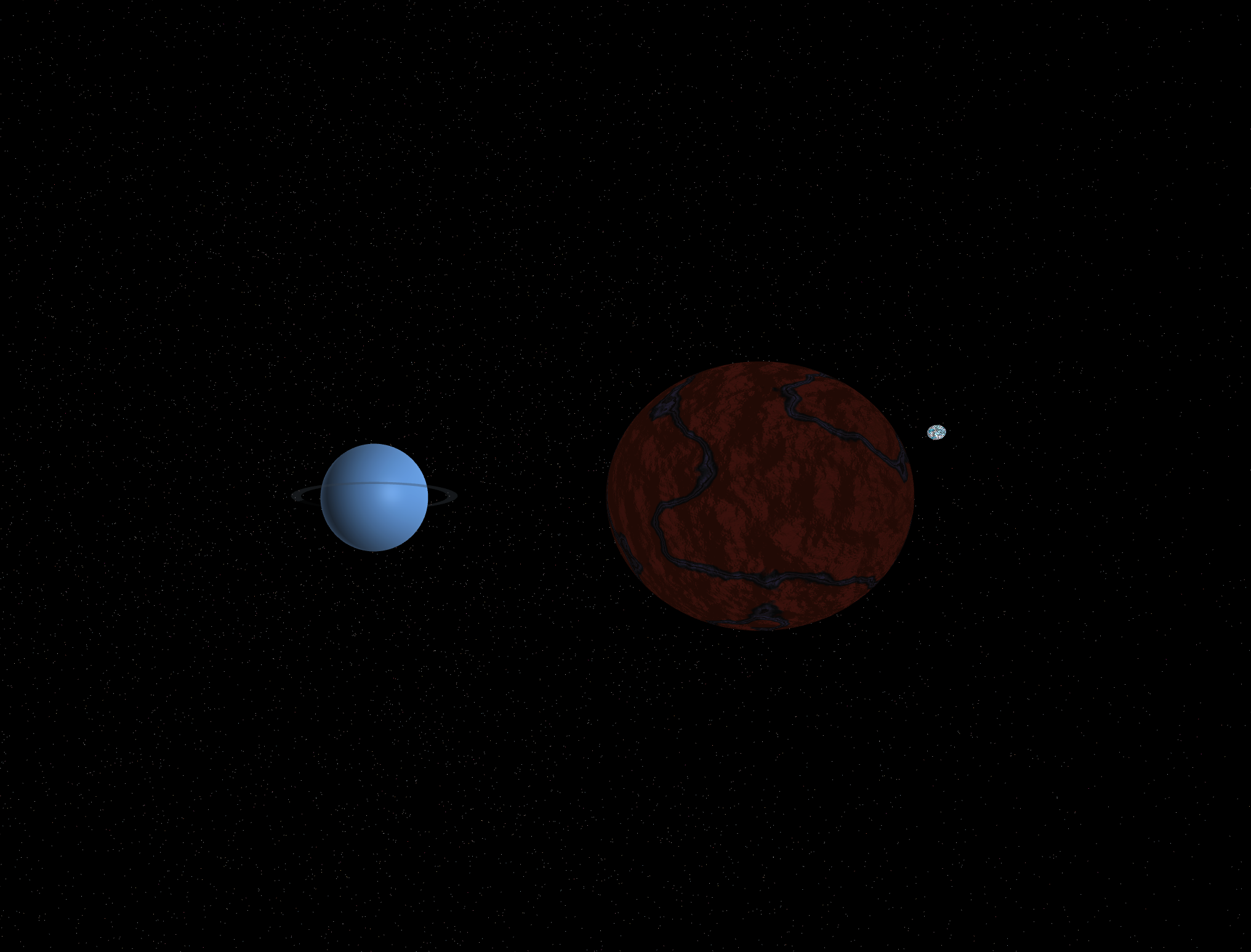
Over the last week or so, I’ve been working on the shaders that make up all the rocky and terrestrial planets and moons - over time, one of my goals for Teskooano is to have more physically accurate representations, but for now - having something close enough and be configurable is enough to complete my goals.
Technical Details
The shader is applied to both planets and moons, and each one is then given a type designation (i.e Rocky, Barren, Lava, Ice, Terrestrial or Ocean) which defines the colours and physical properties of the body - each planet has 5 layers that are height configurable. The following type is used by the generator:
export interface ProceduralSurfaceProperties {
  /** Controls how quickly the noise amplitude decreases with each octave (0-1) */
  persistence: number;
  /** Controls how quickly the frequency increases with each octave (typically > 1) */
  lacunarity: number;
  /** Base frequency for the noise generation */
  simplePeriod: number;
  /** Number of noise layers to combine for detail */
  octaves: number;
  /** Scale factor for normal map/bump mapping effect */
  bumpScale: number;
  /** Base color for the surface (lowest elevation) */
  color1: string;
  /** Second color gradient point */
  color2: string;
  /** Third color gradient point */
  color3: string;
  /** Fourth color gradient point */
  color4: string;
  /** Final color for the surface (highest elevation) */
  color5: string;
  /** Height threshold for color1 transition */
  height1: number;
  /** Height threshold for color2 transition */
  height2: number;
  /** Height threshold for color3 transition */
  height3: number;
  /** Height threshold for color4 transition */
  height4: number;
  /** Height threshold for color5 transition */
  height5: number;
  /** Surface shininess factor (0-1) */
  shininess: number;
  /** Intensity of specular highlights (0-1) */
  specularStrength: number;
  /** Surface roughness factor (0-1) */
  roughness: number;
  /** Intensity of ambient lighting (0-1) */
  ambientLightIntensity: number;
  /** Controls the amount of surface undulation/waviness */
  undulation: number;
  /** Type of terrain generation algorithm (1 = simple, 2 = sharp peaks, 3 = sharp valleys) */
  terrainType: number;
  /** Controls overall height scale of the terrain */
  terrainAmplitude: number;
  /** Controls how defined and sharp terrain features appear */
  terrainSharpness: number;
  /** Base height offset for the entire terrain */
  terrainOffset: number;
}
The shaders work with the multi-light system within the engine, supporting up to 4 light sources currently, along with ambient lighting. There are still some improvements that can be done, but for today I’m happy with the result - I’ve learned a lot about shaders and what’s possible with them.
Real-Time Editing
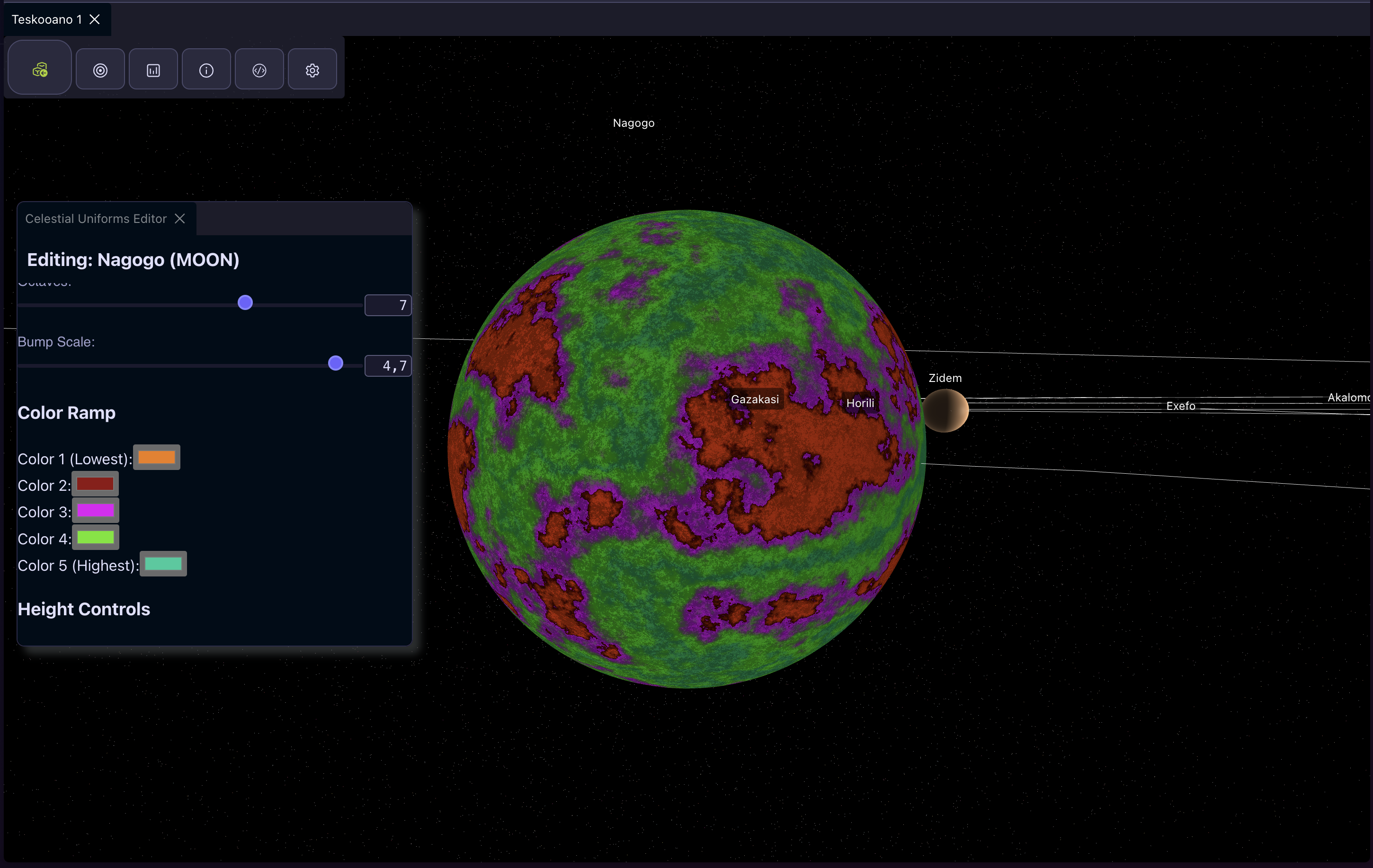
The engine comes with a build in panel editor when you select a celestial body, giving a real time view of the changes made in the engine view, allowing for a live preview of changes. With this, I’ll work to find the sensible ranges for more realistic planets.
Next steps
There are still a few improvements overall to the lighting and generation system I’d like to add, and some features I’d like to add:
- Atmosphere and clouds (there is a basic atmosphere for some planets currently)
- Improved lighting controls
- Additional calculations at generation time for impacts from asteroids and meteors.
- Smoothness and specularity for oceans and liquid bodies
- Biome support for more variation on terrestrial planets
My next major focus will be on stars - currently black holes are broken, and most stars are quite boring - but I’ve been working on some new shader code for these, with some varied results - with some improvement I’m hoping I can release these soon